

meta data for this page

N4V Panel
The N4V Panel is an extension panel that can be viewed directly in Webi and activated by the SAPBI administrator.
Two extensions are provided by Need4Viz:
- The User Extension
- The Designer Extension
Depending on the rights granted by the SAPBI administrator, a user may have access to one or more (or all) of the extensions.
The User Extension
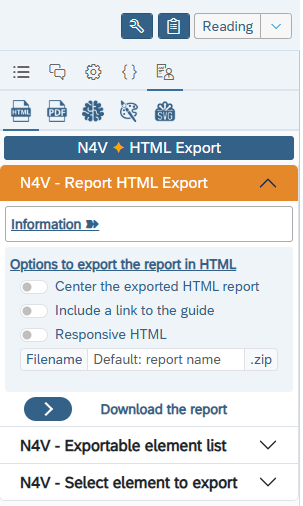
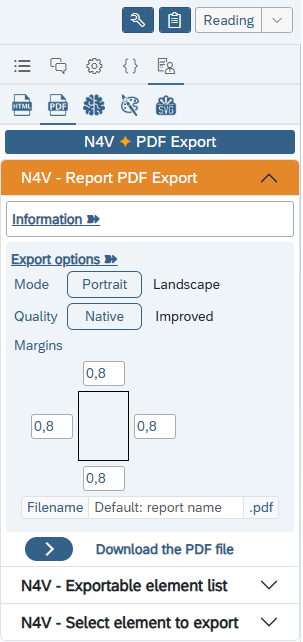
The User extension give the user the ability to download on his computer, in full HTML and/or PDF, the current report page (or a specific /selected N4V element).
The Designer Extension
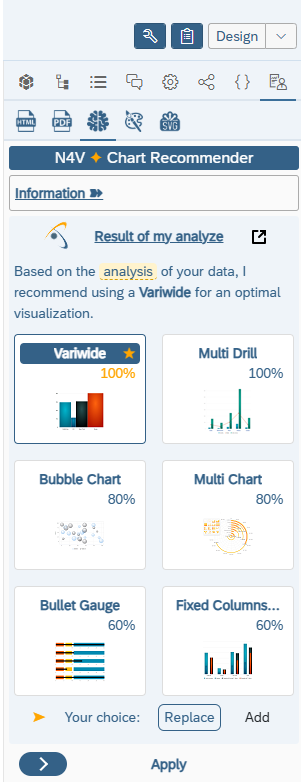
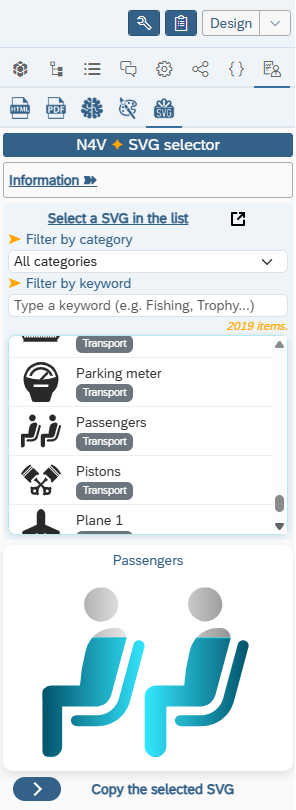
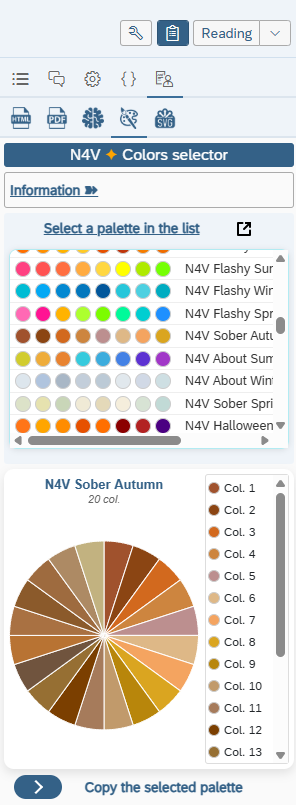
The Designer extension give the Webi designer the access to the Chart Recommender, the N4V SVG tool and the N4V Palette tool (to customize all his N4V charts).
How to activate the N4V Panel in Webi (SAPBI 4.3 SP3+ / BI2025)
- You can read the following article to activate the N4V Panel in your SAPBI environment here