meta data for this page

N4V Panel - Chart Recommender
The Designer Extension
The Designer extension give the Webi designer the access to the Chart Recommender. The Chart Recommender will only be available on a SAPBI 4.3 SP4+ environment.
The Usage of Chart Recommender
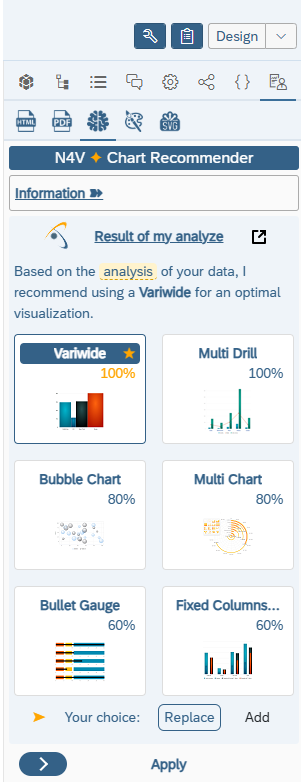
- Display the Chart Recommender in the N4V Panel.
- Select the Webi element (Webi table, Webi chart or N4V element) on your report.
- Wait few seconds and the Chart Recommender will display you the best N4V elements suitable for the selected Webi bloc.
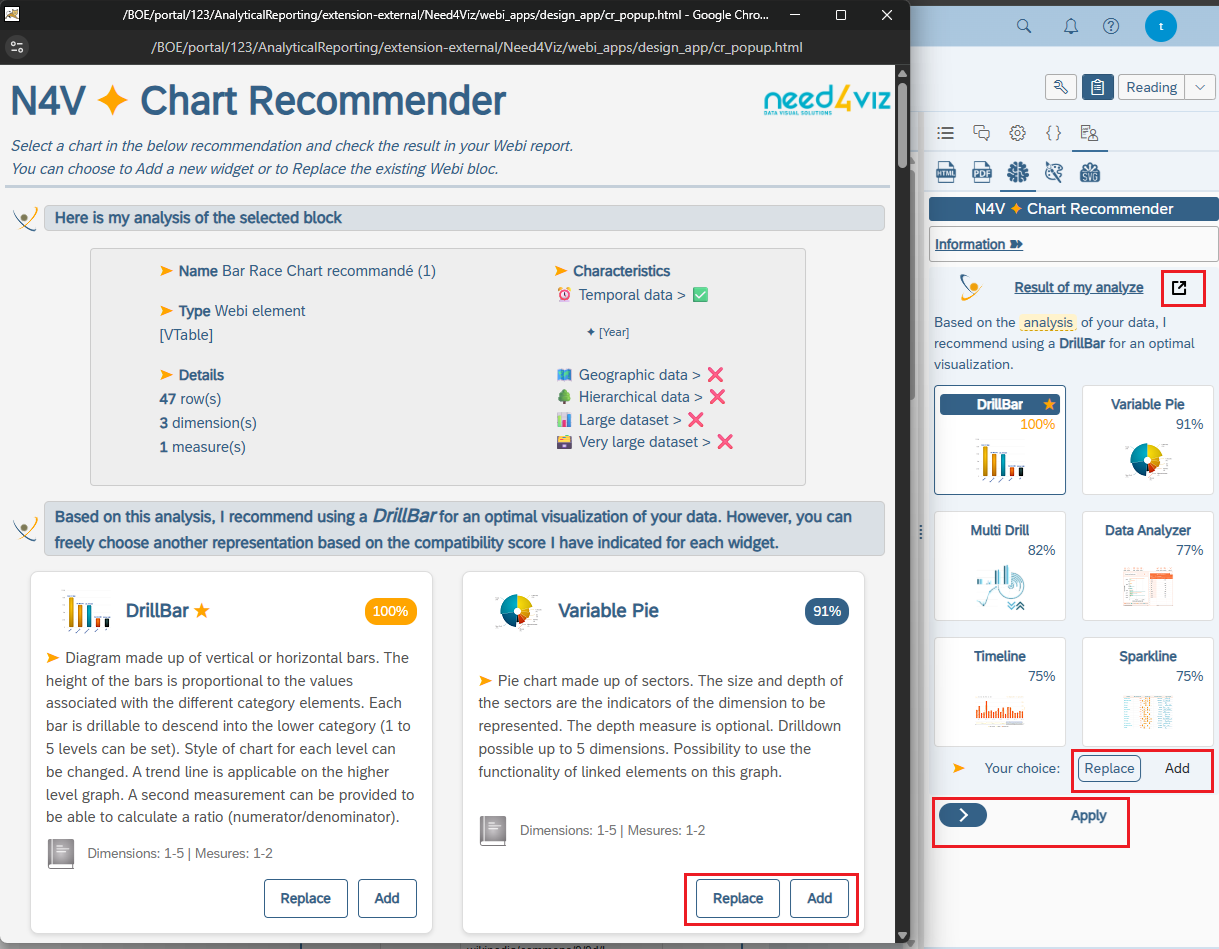
- In the Panel, only the top 6 of elements are displayed but, if you clic on the “popup” button, a separated window will open and give you the full result for the all N4V elements.
- The window is still connected to Webi so you can select a chart in this window and see the result of your selection in the Webi report.
- You can choose to Replace the original Webi bloc with your selection or Add a new N4V element on top of the selected bloc.